
Software Factory fundamentals
Factory costs
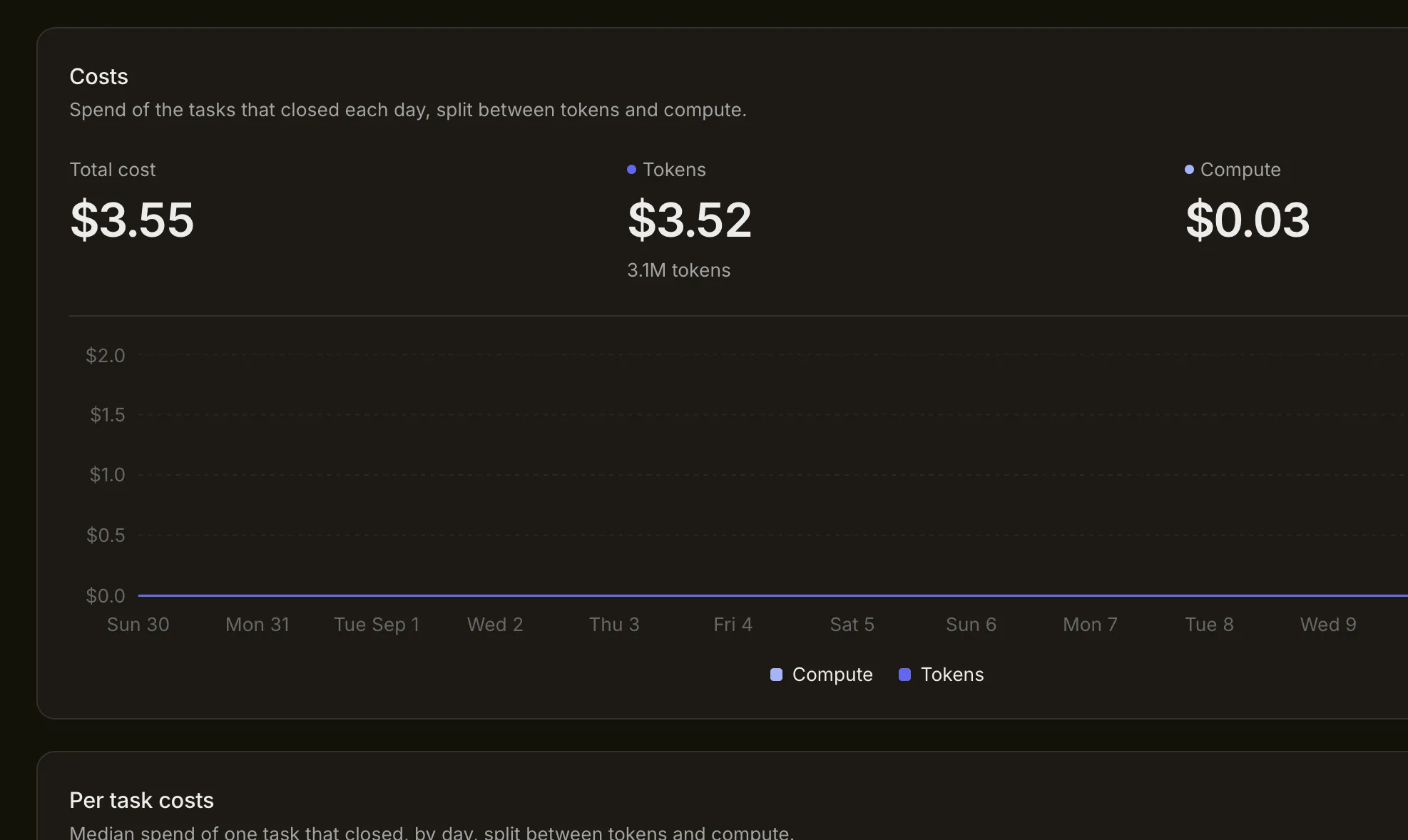
Connect token and compute spend to completed tasks and workflow choices.Factory cost reporting shows the token and compute spend recorded for tasks that closed in the selected period. Use the total view to understand the mix of spend and the per-task view to see whether the cost of completing work is changing.
Understand the cost categories
Section titled “Understand the cost categories”- Tokens: Recorded model input and output usage for supported managed models.
- Compute: Recorded machine time used by supported managed execution.
- Total cost: The token and compute amounts attributed to the completed-task view.
Connected model, cloud or continuous integration providers may charge outside SuperPlane. Their charges are not automatically represented by these charts. Use provider budgets alongside the Factory report.
Read per-task cost as a trend
Section titled “Read per-task cost as a trend”Per-task cost shows the median spend for a task that closed, grouped by day. It is more useful than the total when task volume changes between periods.

A higher value is not automatically a problem. The period may contain broader tasks or a stronger verification policy. Compare tasks with similar scope and completion rules before changing the workflow.
Trace a cost increase to its cause
Section titled “Trace a cost increase to its cause”Review the affected tasks and their automation runs. Look for:
- repeated agent attempts with unchanged context
- a larger model used for task classification or summaries
- prompts that include unrelated repository or run history
- long machine sessions before a failure is reported
- verification loops caused by the same missing requirement
- tasks that closed without an accepted result
The automation table can show which workflow has high average or total cost. The task record then shows whether the spend came from useful work, recovery or avoidable repetition.
Reduce avoidable spend
Section titled “Reduce avoidable spend”Start with workflow design before weakening model quality or tests.
- Filter unsupported tasks before an agent runs.
- Match the model to the stage and task complexity.
- Use deterministic components for routing, status changes and notifications.
- Pass focused context between correction attempts.
- Stop a retry loop when the next step requires a person.
- Set concurrency that avoids duplicated or conflicting repository work.
Review Costs and budgets for billing behavior, allowances and external controls.