
Software Factory fundamentals
Automations
Adapt each Factory stage to your tools, policies and engineering process.An automation defines what happens when work reaches a Factory stage. Edit its canvas to choose the trigger, agent, integrations, checks, failure routes and human decisions that fit your team.
Keep policy outside the agent prompt
Section titled “Keep policy outside the agent prompt”The automation owns the process. It decides which events start work, which services can be called and what must happen after each result. An agent handles the part that requires judgment, such as understanding an issue, changing code or reviewing a pull request.
This separation makes the workflow easier to inspect. A required check remains a visible node instead of a sentence buried in a long prompt. A failure path can record context and stop work even if the agent does not respond as expected.
| Building block | Use it for |
|---|---|
| Trigger | Start from a task, pull request event, schedule or external signal |
| Component | Run one action in SuperPlane or a connected service |
| Agent | Interpret context and produce an answer or software change |
| Connection | Route a named result such as success, failure or approval to the next node |
| Run | Inspect the inputs, outputs and path for one execution |
Edit an automation
Section titled “Edit an automation”Open a Factory stage and select the Automation tab to inspect its canvas. Select the edit icon to change the graph.
You can edit in two ways:
- Use the canvas: Add components, configure their fields and connect output channels to the next action.
- Use the agent: Describe the outcome you want. The agent can propose canvas changes, add integrations and rewire affected nodes within your permissions.
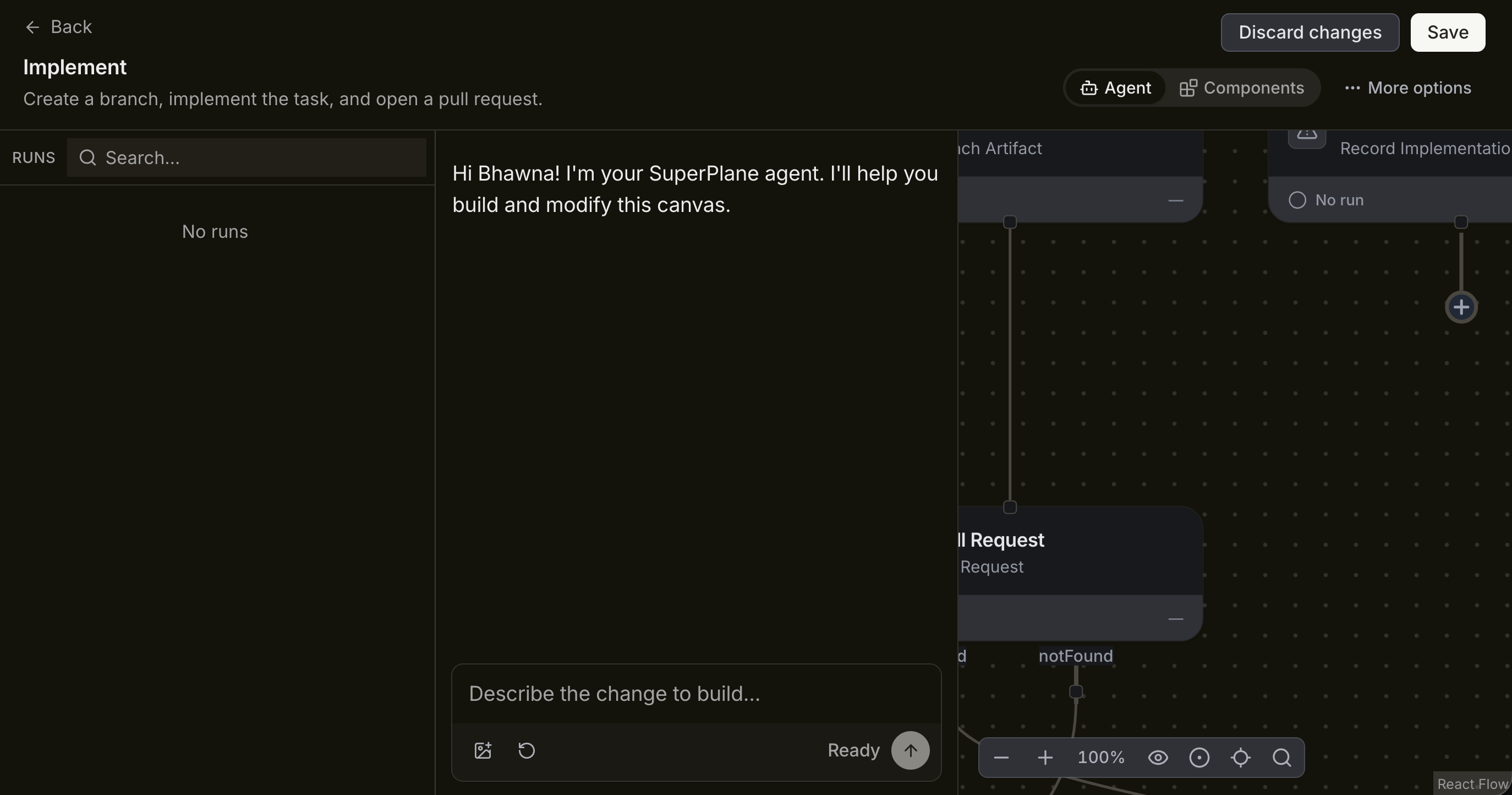
Review the staged graph before you select Save. Check both the success path and the failure path. A workflow that handles only success is incomplete once it reaches real repositories and external services.
Add an integration at the step that needs it
Section titled “Add an integration at the step that needs it”Integration components let a canvas receive events or perform actions in another system. Connect only the services required by that stage.
- Use source control and work intake to receive issues, create branches and manage pull requests.
- Use coding agents and AI for planning, implementation and review.
- Use continuous integration and delivery for builds, tests and deployment status.
- Use observability when a workflow needs production signals.
- Use cloud and infrastructure for environments, compute and deployment actions.
- Browse all components for the available triggers and actions.
Configure credentials through the integration flow. Do not place tokens or keys in task text, prompts or canvas values.
Customize the result without wasting usage
Section titled “Customize the result without wasting usage”Customization comes from better boundaries more than longer prompts. Give each agent one job, pass only the context it needs and define the output that the next node expects.
Use these controls to keep usage proportionate to the work:
- Use deterministic components for filters, status changes, routing and notifications.
- Choose a model for the stage instead of using the most expensive model everywhere.
- Limit concurrency where multiple tasks would compete for the same repository or environment.
- Send focused test failures back to the agent instead of the full run history.
- Stop repeated attempts when the task needs access, clarification or approval.
- Measure cost per completed result, not only cost per agent call.
See Costs and budgets for usage planning. External services may charge separately for actions performed through their integrations.